For a plug-in to be available from the Ocean store, it must pass the Ocean acceptance testing process. Find all of the details on acceptance testing in the Ocean store at https://www.ocean.slb.com/en/developer/petrel/testing-plug-ins/acceptance-testing
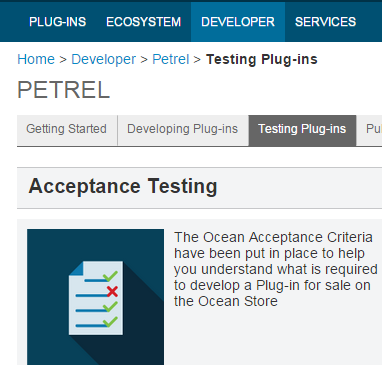
Figure 3‑1 Acceptance Criteria
The Ocean acceptance criteria include mandatory and recommended documentation, a technical acceptance checklist, marketing information, store content, and the license pricing model. The criteria are packaged in the form of a spreadsheet. On the same page, find publishing guidelines and information about typical issues found during acceptance testing.
Find webinars related to acceptance testing at these locations:
Ocean Webinar - Avoiding Common Acceptance Issues https://sisevents.webex.com/sisevents/lsr.php?RCID=d83db06ae32d3be000e35c15f33f0edb
Ocean Acceptance Testing - Ensuring Plug-in Quality https://sisevents.webex.com/sisevents/ldr.php?RCID=8b26e4e9a5fbf4cbecd39d31d6a9699c
The Ocean Quality Assistant is a Visual Studio extension that enables you to evaluate your plug-in's compliance toward Ocean acceptance criteria and quality standards. The assistant provides a set of automated and manual tests that may be run throughout the development cycle. It is available on the Ocean menu in Visual Studio, as Figure 3‑2 shows.
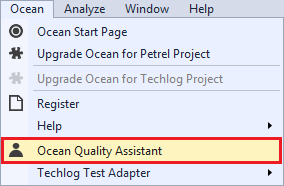
Figure 3‑2 Ocean Quality Assistant in Visual Studio
The Ocean Quality Assistant includes the acceptance criteria as defined on the Ocean store. It also includes a set of sanity tests to monitor the usage of performance-sensitive APIs and potentially identify poorly performing methods or properties implemented by your plug-in. Although the acceptance tests are only partly automated, the tool includes the whole set and provides some convenience to help you track the status of those that are not automated.
The Ocean Quality Assistant is compatible with the latest Visual Studio versions and Ocean/Petrel 2026.
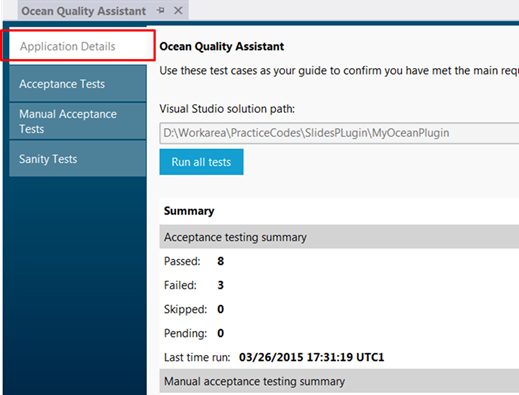
Figure 3‑3 Ocean Quality Assistant Application Details Summary
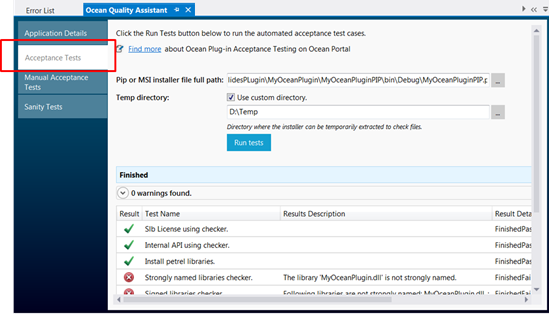
Figure 3‑4 Run Automatic Acceptance Tests
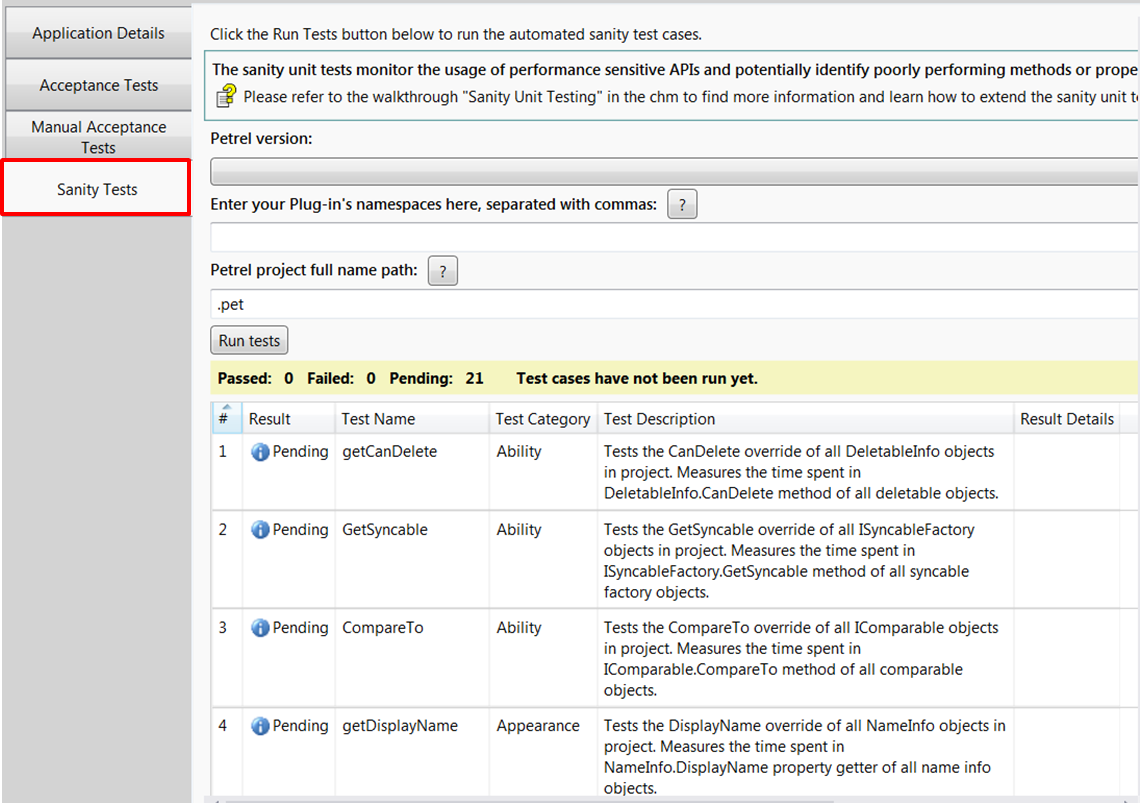
Figure 3‑5 Automatically run sanity tests
Note: When you run sanity tests, the SanityUnitTestTool initializes PetrelEngine with a license package called Package1. If the license is not found or cannot be used, Visual Studio displays a message in the output window informing you that you must check the license package. However, Visual Studio continues to work properly. If you run SanityTests for Petrel, create the Package1 profile first.
For more information, see "Sanity unit testing" in the OceanForPetrel.chm.