- Obtain an Ocean developer license
- Follow the installation instructions of the Ocean SDK
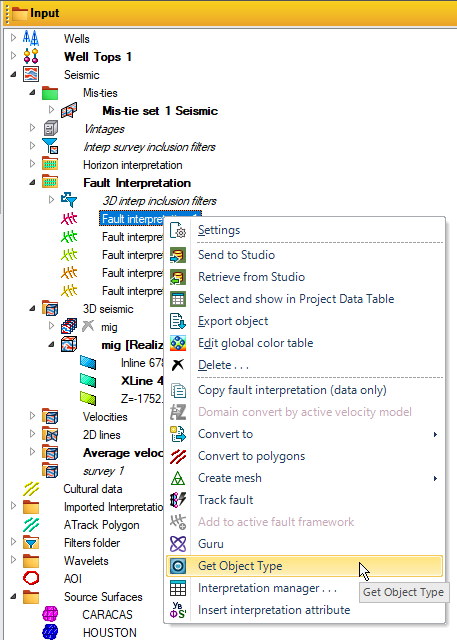
This simple plugin provides a way to fetch the type of a selected data object in the Petrel panes. This is very useful when developing plugins so you can find the matching data objects in Ocean to interact with in more complex plugins.
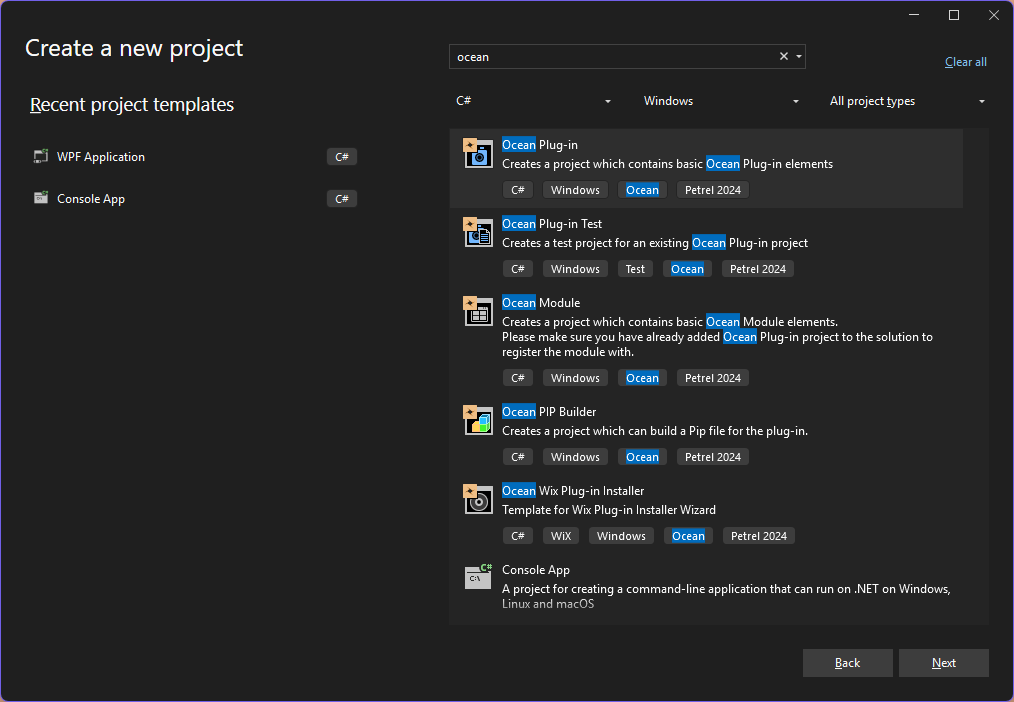
Search for the Ocean Plug-in template
Select Ocean Plug-in and click Next
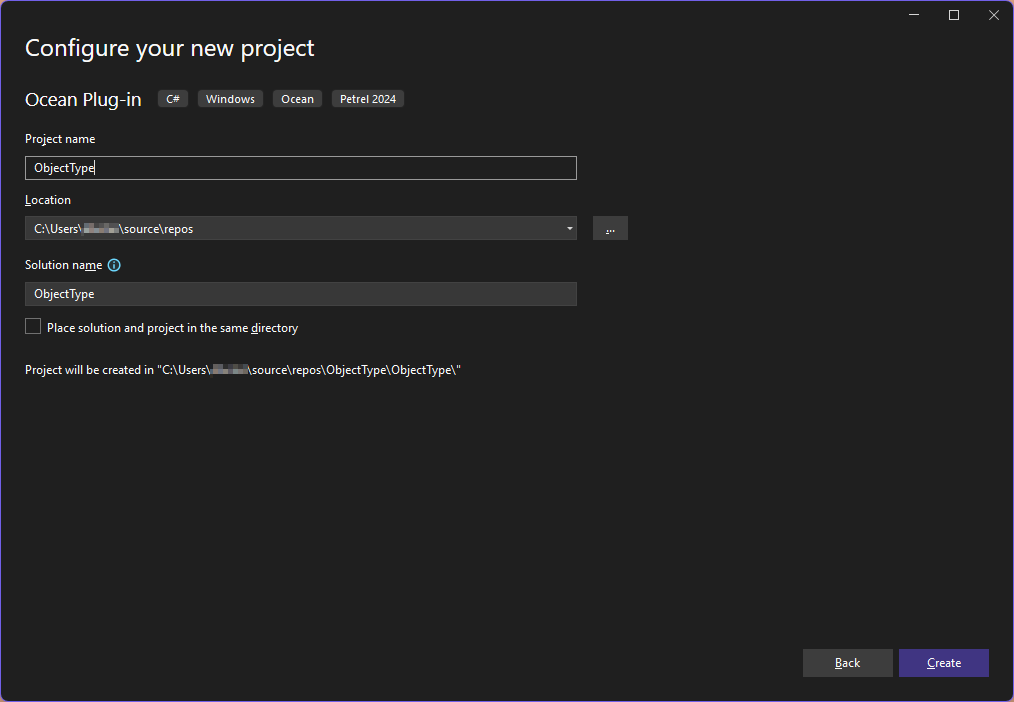
Give your project a name and click Create
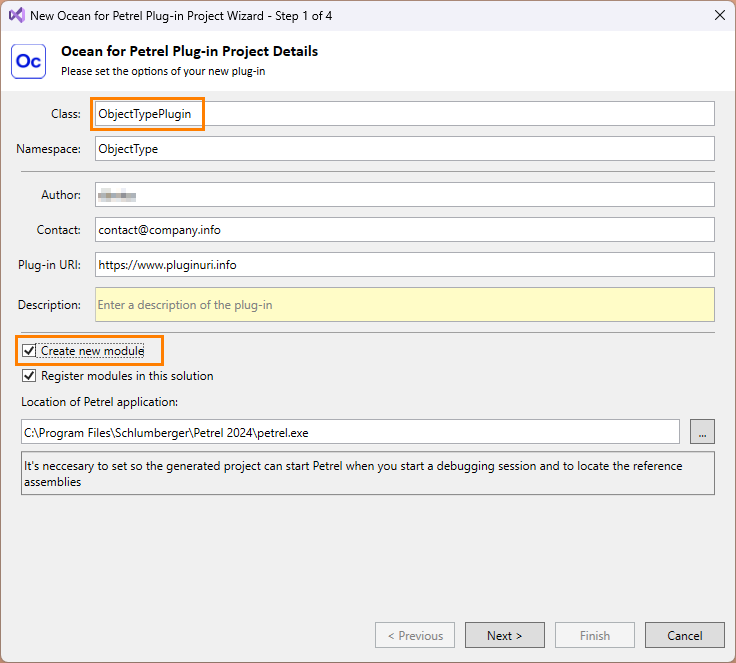
- Give your plugin class a valid name
Recommend providing a unique class name as you may come back later and add more plugins to your solution. The other metadata can be modifed later on in the code.
Check Create new module and Register modules in this solution
Click Next
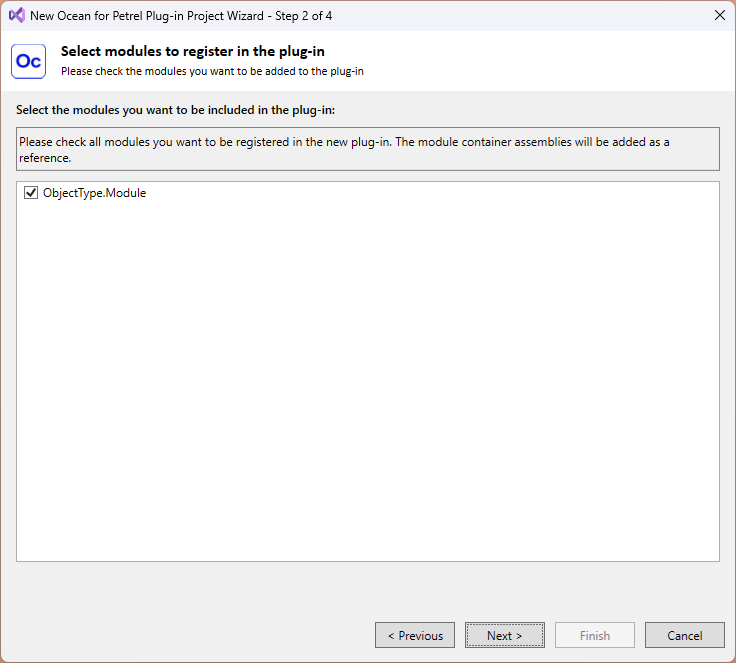
Ensure your new module is checked and click Next
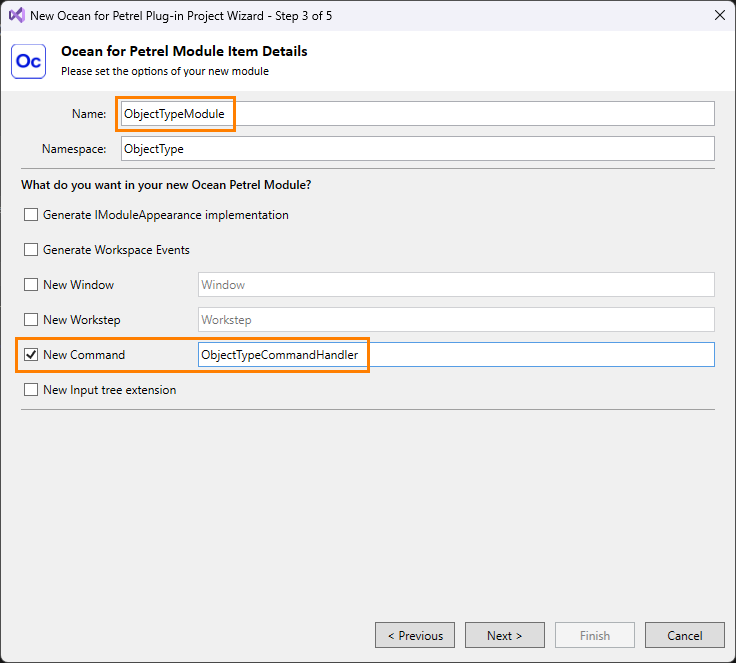
Provide a unique name for the new module which will contain a new command handler for the code to be executed.
Check New Command and provide a unique name for the command handler.
Click Next
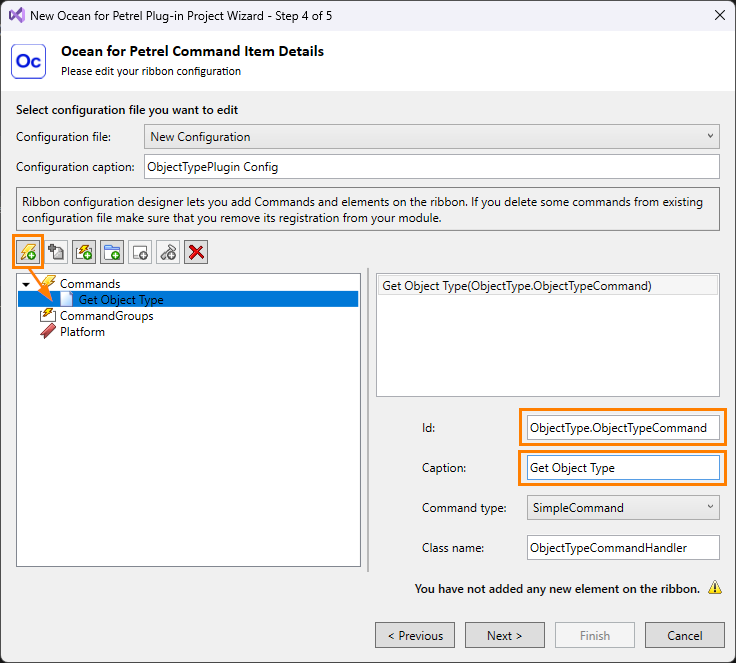
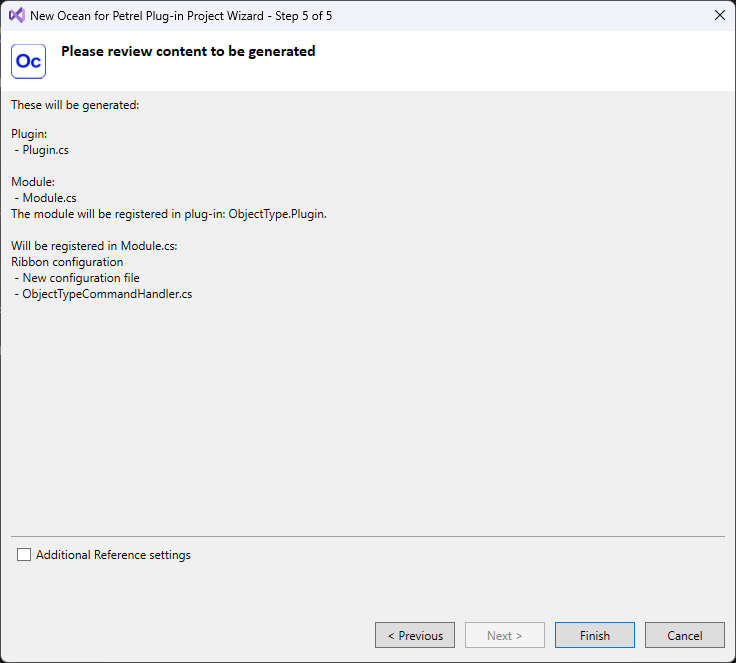
In this step you need to register the command that will be executed when you click on Get Object Type in the context menu
Click on the Add new command button to insert a new command under the Commands item.
Select the command and update the Id to an appropriate name.
Update the Caption so it is more descriptive of the action it will perform, this will be the text shown in the context menu.
Click Next
Click Finish
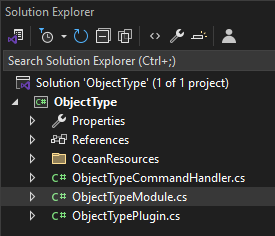
Once your project is created, the Solution Explorer should look something like this:
Open the Module class and under the IntegratePresentation method, register the context menu item like so:
SimpleCommandContextMenuHandler<object> otHandler = new SimpleCommandContextMenuHandler<object>(new CommandItem(ObjectTypeCommandHandler.ID));
PetrelSystem.ToolService.AddCommandContextMenuHandler(otHandler);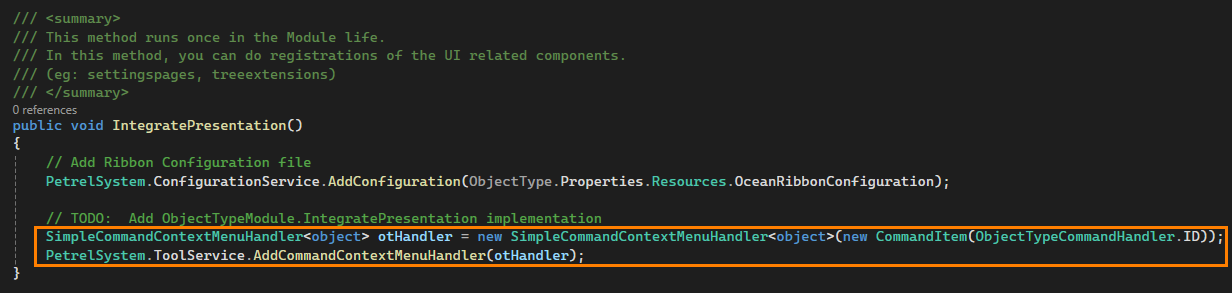
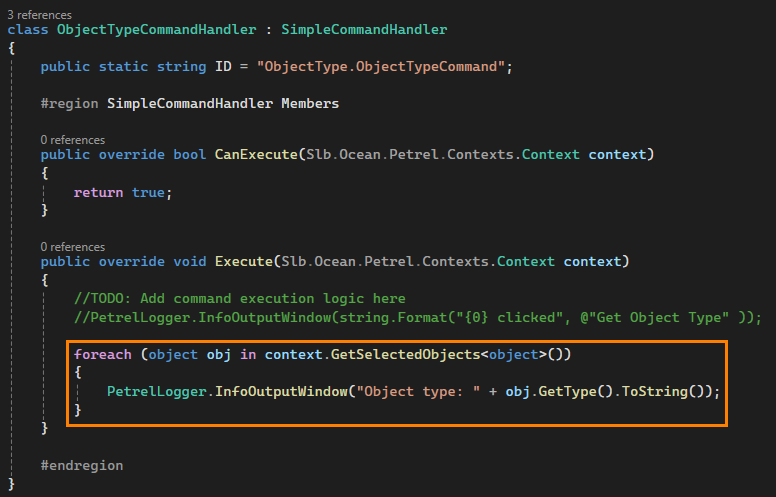
Open the CommandHandler class and implement the logic that will run when the user clicks on the Get Object Type item in the context menu.
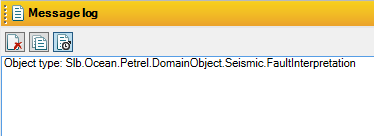
This will loop through the selected objects in the data trees and print the type to the message log in Petrel.
foreach (object obj in context.GetSelectedObjects<object>())
{
    PetrelLogger.InfoOutputWindow("Object type: " + obj.GetType().ToString());
}
Then you can build the project, and if all goes well the plugin will be created and added to Petrel automatically.
Launch Petrel and test the plugin
You have successfully created your first plugin!