This sample code demonstrates how to obtain an Access token using the SLB Authenticator service for a Confidential client using an Authorization Code Flow (ACF) grant using Python Flask.
- Access to the SLB Developer Portal.
- You must be a member of a Team in the SLB Developer Portal.
- Python 3.x is required.
Unzip the sample code: PythonWebAppSample.zip.
Open the folder in VSCode or another IDE.
Navigate to the root directory of the unzipped sample code.
We recommend that you create a virtual environment to work with the Python code samples.
The following steps explain how to use venv, the built-in module in Python 3.3 and later versions, to create a virtual environment. If you use other tools such as virtualenv, pipenv, etc., refer to the documentation of the corresponding tool.
Refer to venv — Creation of virtual environments for more information about how use venv in Python to create virtual environments.
- Make sure that your pip package installer is up-to-date:
python -m pip install --upgrade pip- Create the virtual environment in the current directory named .venv:
python -m venv .venv- Open the sample folder in VSCode or another editor. You may need to restart your IDE to activate the virtual environment.
- Activate the virtual environment:
.venv/Scripts/activateInstall the requirements.txt file:
pip install -r requirements.txtOpen /PythonWebAppSample/confidential_client.py and make the following changes:
a. On line 29, set
CLIENT_ID = "[YOUR CLIENT ID]"b. On line 30, set
CLIENT_SECRET = "[YOUR CLIENT SECRET]"Note
- Refer to create client for web server app for details.
This section provides the steps to run the sample Python code.
- Open a terminal session and navigate to the folder containing confidential_client.py.
C:\cd <path>\PythonWebAppSample- Run confidential_client.py using the following Python command:
Python confidential_client.py In your web browser, go to
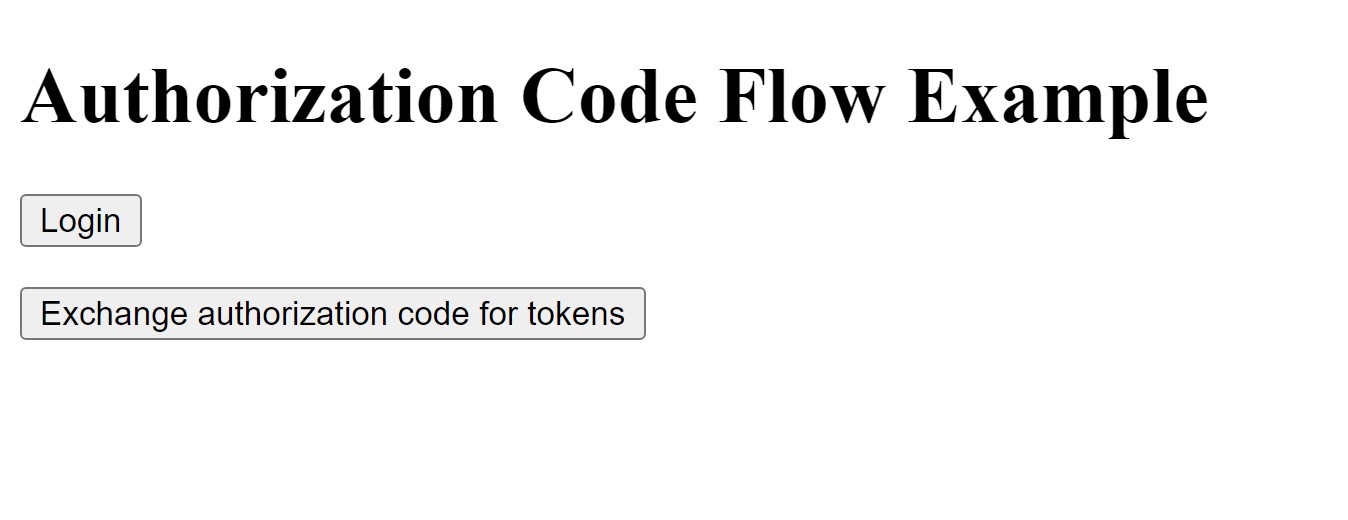
http://localhost:8080/
On the web page that appears, click Login. The browser redirects to the log-in page.
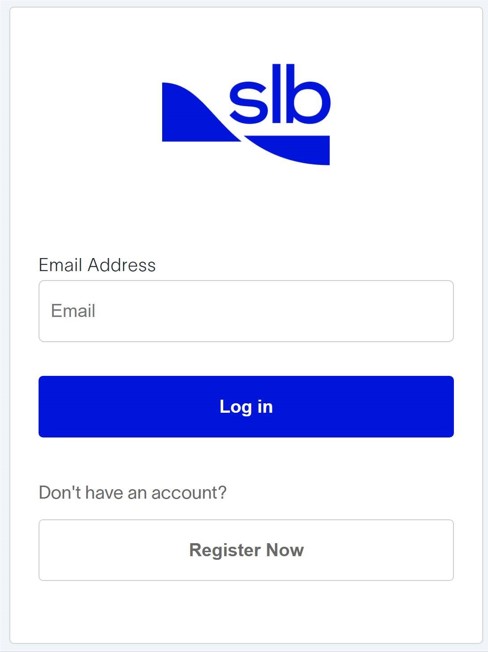
After successful authentication, the browser redirects to the redirect URL provided by the client, in this example:
http://localhost:8080/.
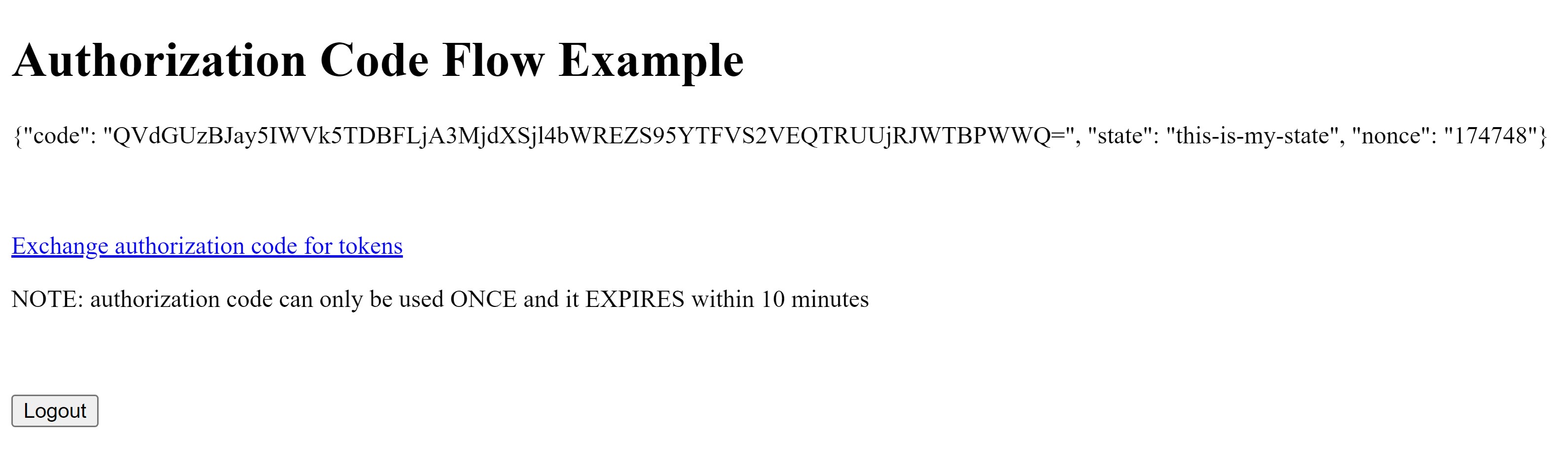
SLB Authenticator issues an Authorization Code which you can exchange for an Access token by clicking the "Exchange authorization code for tokens" link. Note that the Authorization Code can be used only once, and it expires within 10 minutes.
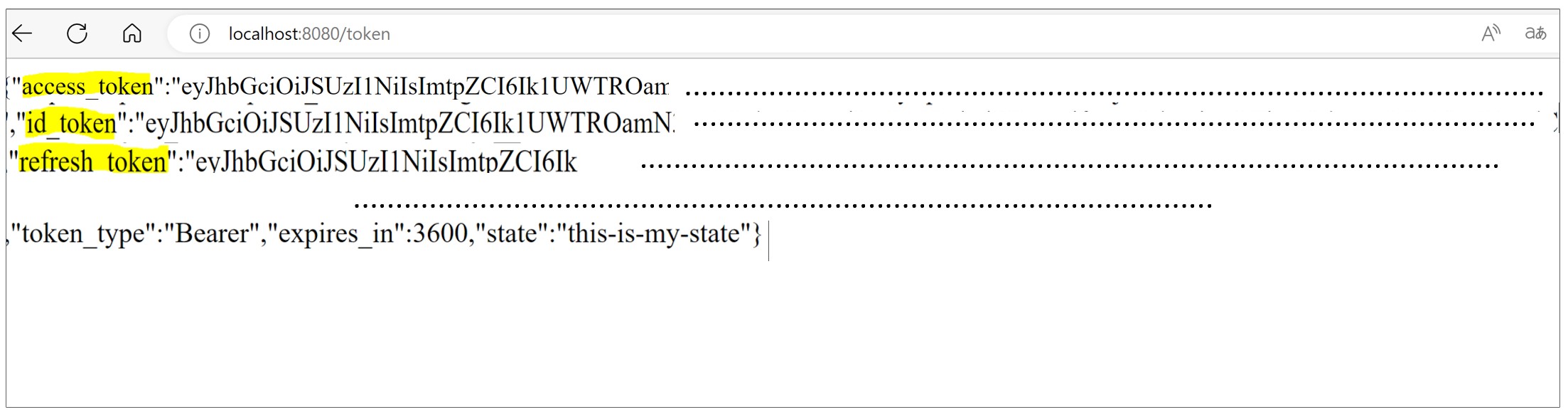
http://localhost:8080/tokendisplays the Access token.
By running this code sample, you have learned how to obtain an Access token required to access cloud APIs.
You can access various cloud APIs (such as MPDF APIs or Drill Plan APIs) using this Access token.
How to create a virtual environment in Python
How to create a client for your App
- User context in the SLB Digital Platform.
- Secret management within the SLB Digital Platform.
- API Maturity of cloud APIs.
- Refer to the tutorial of various solutions (such as FDPlan, DrillPlan, MPDF etc.) to learn more about their extensibility and how to integrate with APIs offered by these solutions into your application.