This code sample demonstrates how to obtain an Access Token using the SLB Authenticator (SAuth) service for a public client. You will use Authorization Code Flow (ACF) with a Proof Key for Code Exchange (PKCE), the Angular Library for OpenID Connect, and OAuth2 certified by the OpenID foundation.
For this sample, use the "Angular Lib for OpenID Connect & OAuth2" from GitHub.
- Access to the SLB Developer Portal.
- You must be a member of a Team in the SLB Developer Portal.
- Install NodeJS v18.15.0 or later.
Open your preferred IDE.
Open Angular-auth-oidc-client.
Copy the GitHub link and clone it into a local directory.
Git clone https://github.com/damienbod/angular-auth-oidc-client.gitNavigate to
angular-auth-oidc-client-main/projects/sample-code-flow-refresh-tokens/src/app/.Edit the configuration file,
auth-config.module.tsand make the following changes:a. Set "Authority" to
https://csi.slb.com/v2for the SLB Authenticator service.b. Set "clientId" to the client ID from your single-page application client. Refer to create client for single page apps to know details on how to create client.
c. Make sure the scope is 'openid' and the responseType is 'code'.
d. Save
auth-config.module.ts.
In the terminal, run the following:
npm installnpm run build -libnpm startBrowse to
https://localhost:4204/.
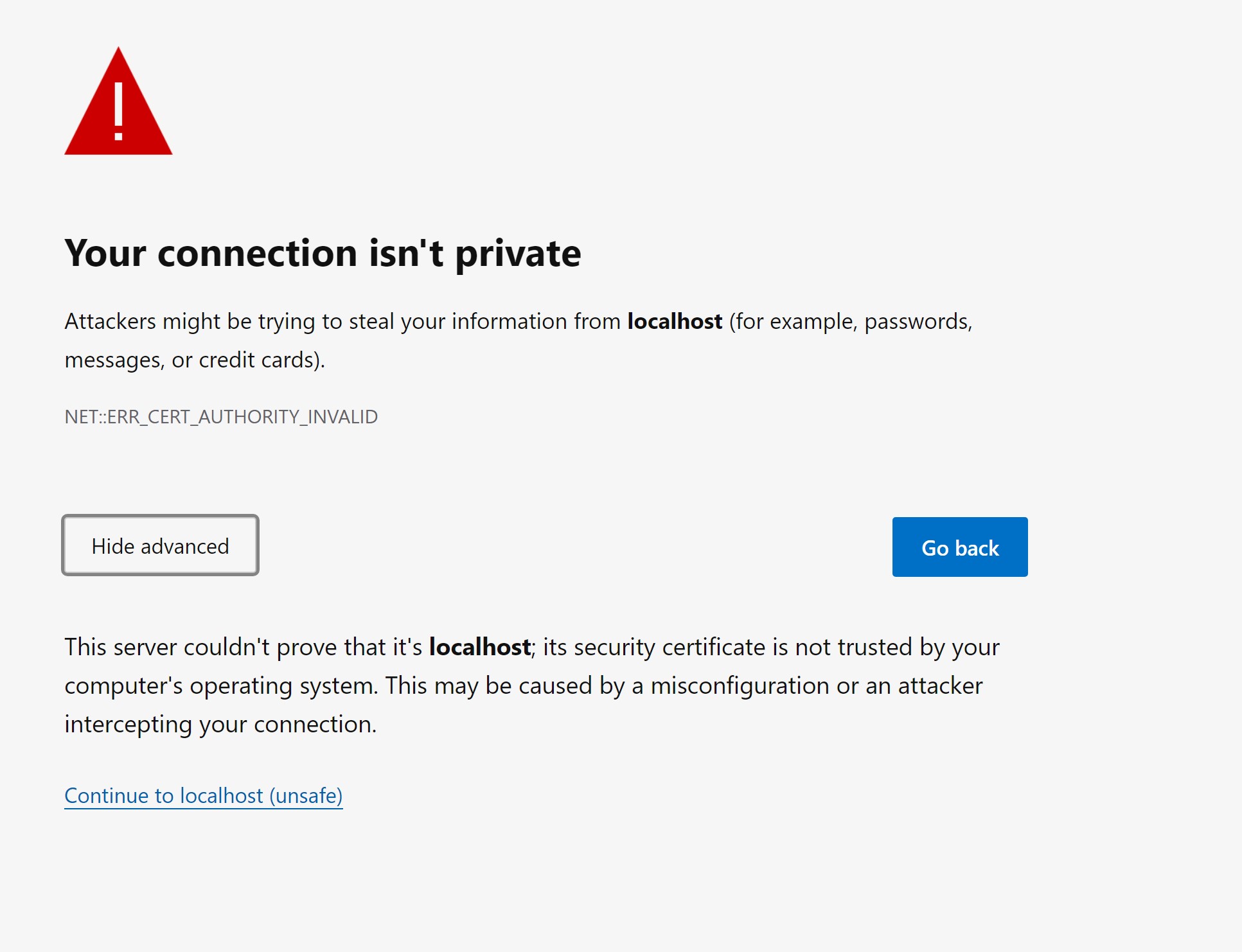
Click continue to localhost.
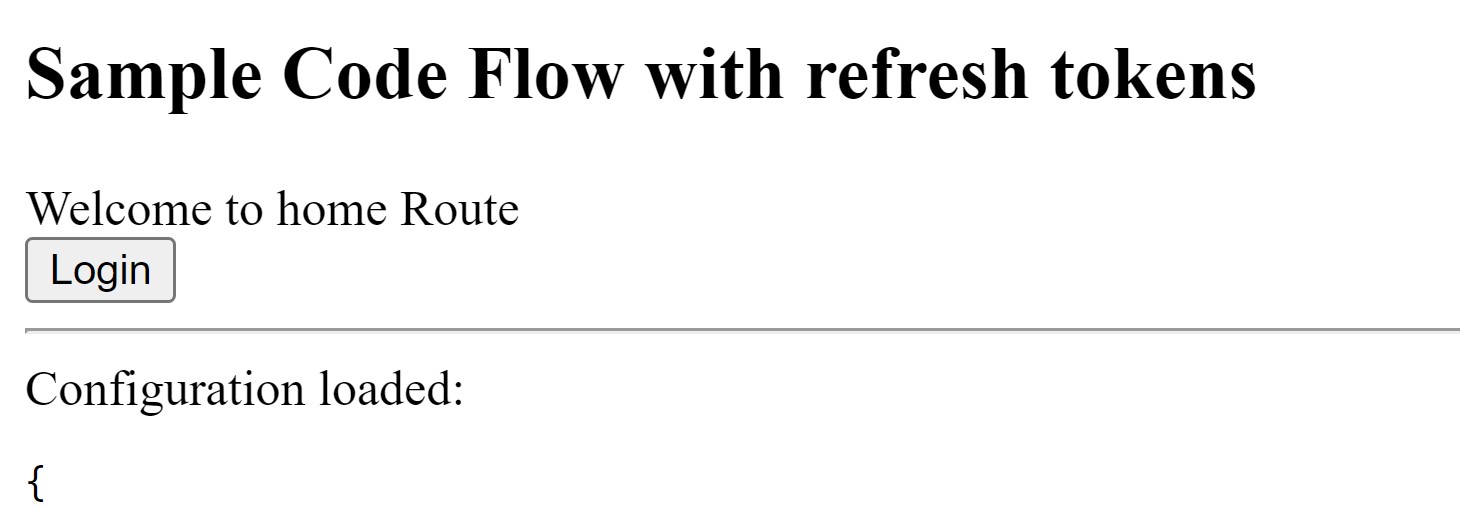
Click Log in. The window shows your user data and the configuration.
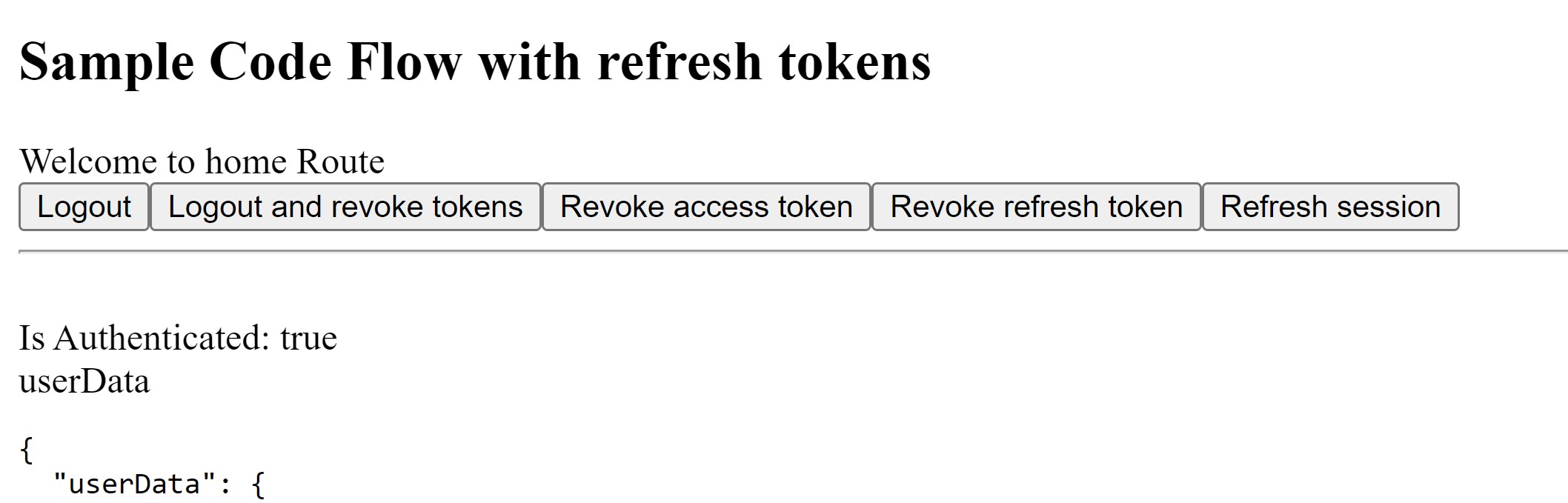
With this code sample, you used the angular library to authenticate and generate a token for a public client using ACF with PCKE SLB Authenticator services.
These instructions work with Damien Bod's OIDC sample as of April 1st, 2023, but this public sample is constantly being updated. The detailed instructions are provided as a convenience for new web developers and are only to be used as a guide. The documentation in Damien Bod's OIDC client take precedence.
Getting started with AngularJS
- User context in SLB Digital platform.
- Secret management on SLB Digital platform.
- API Maturity of cloud APIs.
- Refer to the tutorial of various solutions (such as FDPlan, DrillPlan, MPDF etc.) to learn more about their extensibility and how to integrate with APIs offered by these solutions into your application.